
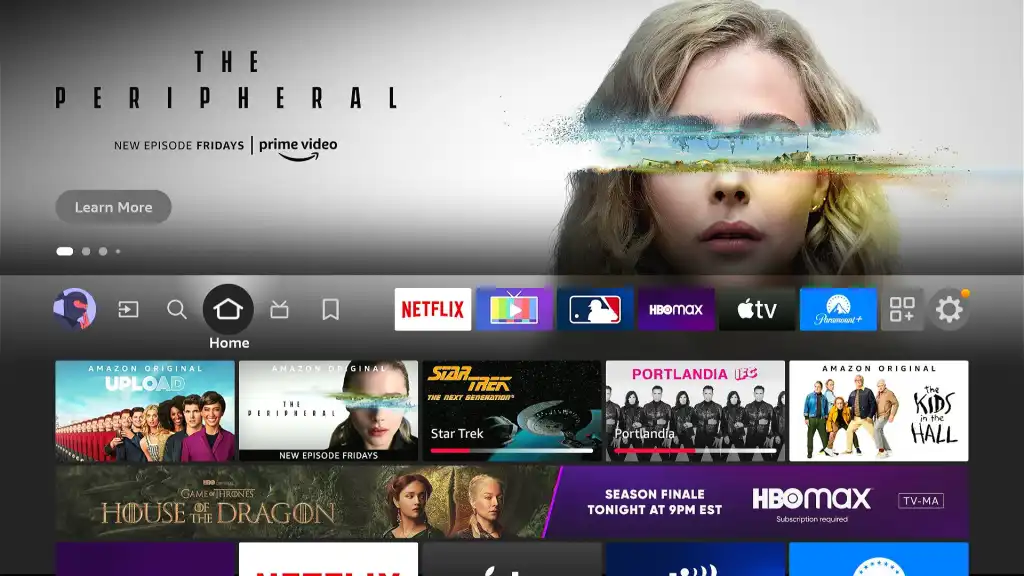
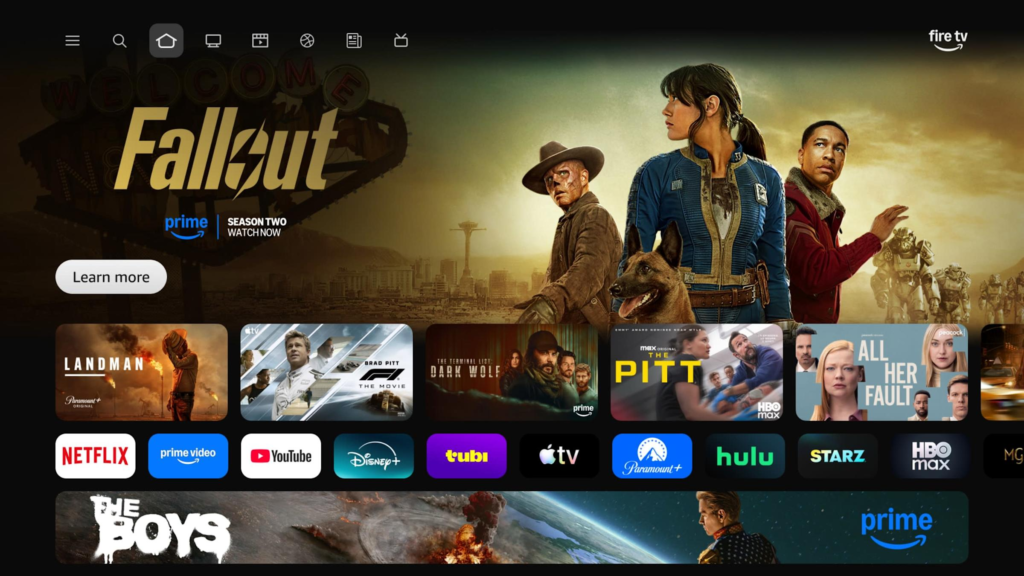
Amazon has introduced a new Fire TV user interface designed to help users find what they want to watch even faster. With a cleaner layout, smarter recommendations, and improved performance, the updated Fire TV UI focuses on speed, convenience, and personalization.
Let’s explore its features, pricing impact, quality, and overall experience in detail.
Key Features of Amazon’s New Fire TV User Interface
1. Faster Content Discovery
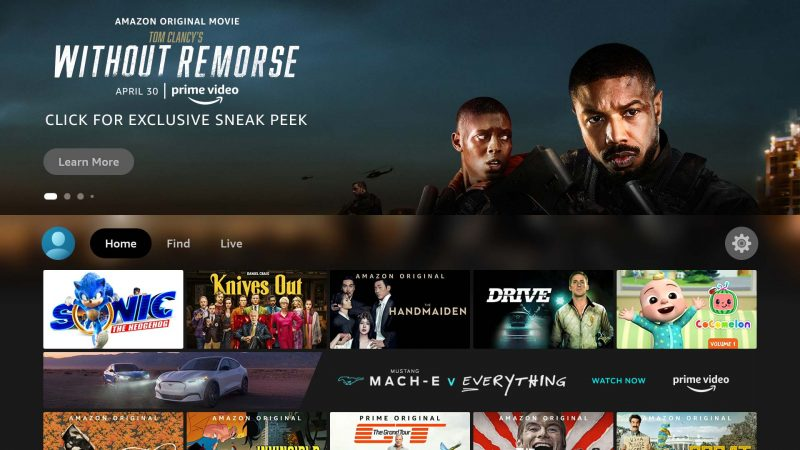
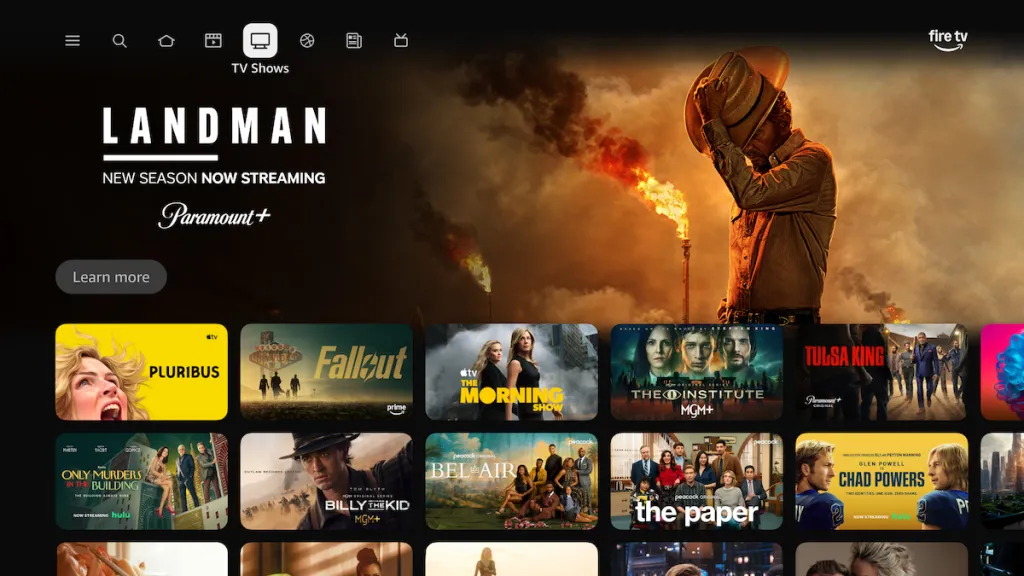
The new UI prioritizes quick access to movies, TV shows, and live content. Instead of switching between multiple apps, users can now:
- Discover content directly from the home screen
- Get recommendations across different streaming platforms
- Resume watching content instantly
This significantly reduces the time spent searching.
2. Smarter Personalized Recommendations
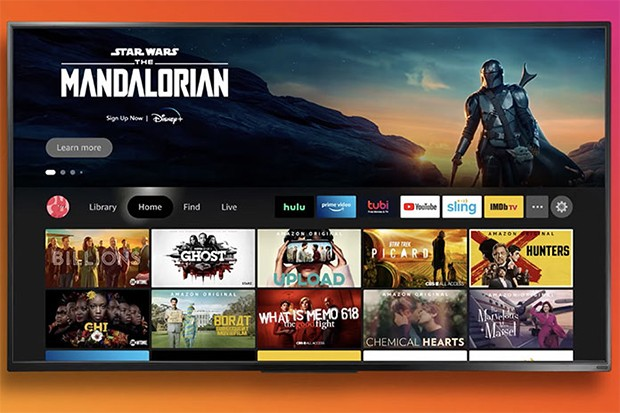
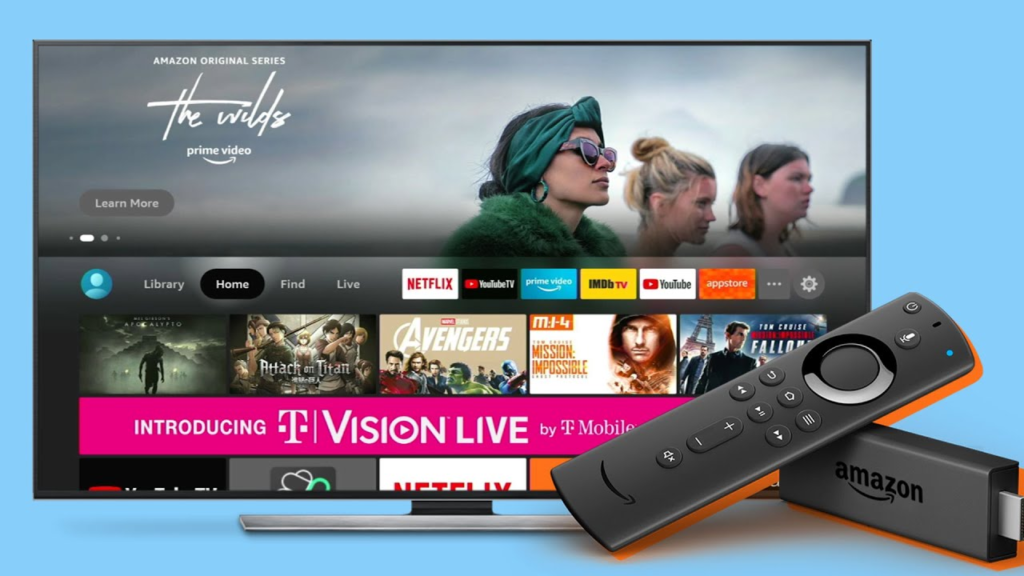
Fire TV now uses advanced AI-driven recommendations based on:
- Your watch history
- Preferred genres
- Recently searched content
This means the home screen adapts to your taste, showing content you’re more likely to enjoy.
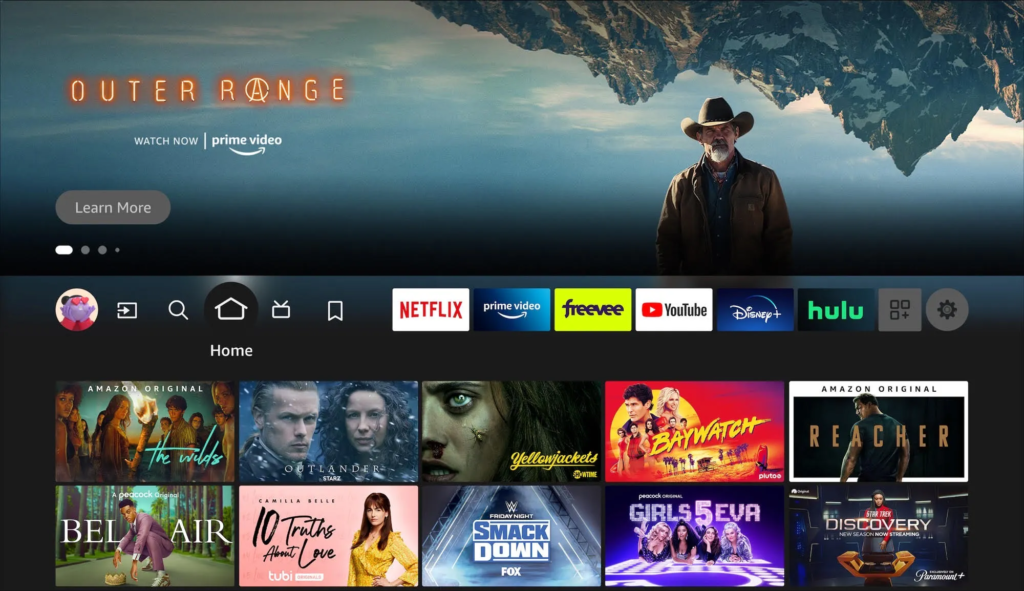
3. Improved Navigation & Clean Layout
Amazon has redesigned the interface to make it:
- More visually clean
- Less cluttered
- Easier to navigate
Menus are simplified, and content categories are more clearly organized.
4. Unified Search Across Apps
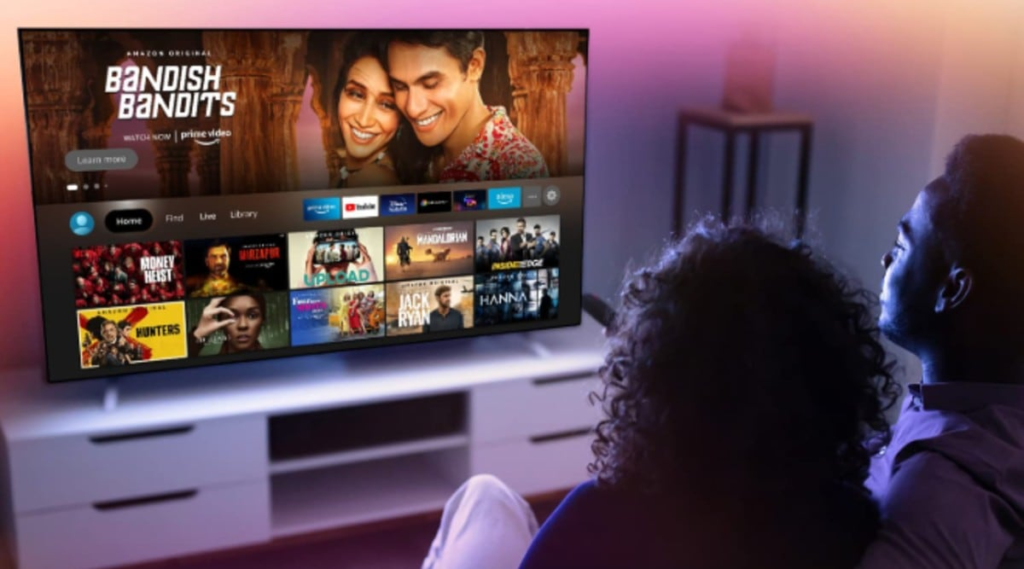
With the new Fire TV UI:
- You can search once and get results from multiple apps
- No need to open individual apps like Prime Video, Netflix, or Disney+
- Results show where the content is available and at what quality
This saves both time and effort.
5. Enhanced Voice Control with Alexa
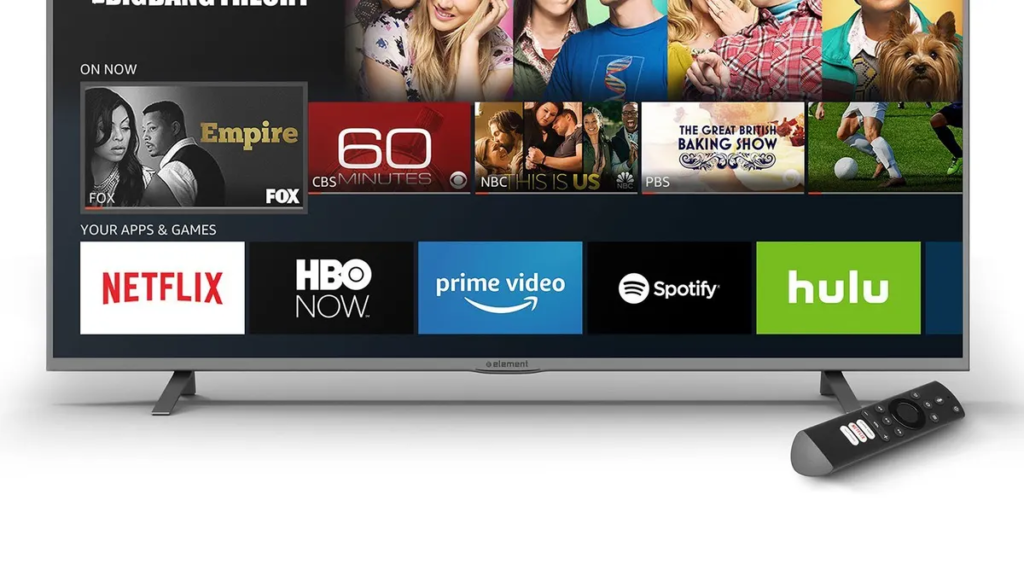
Alexa integration is now faster and more accurate:
- Voice search works smoothly
- You can launch apps, control playback, or ask for recommendations
- Supports natural language commands
Example: “Alexa, show me action movies released this year.
6. Better Performance & Speed
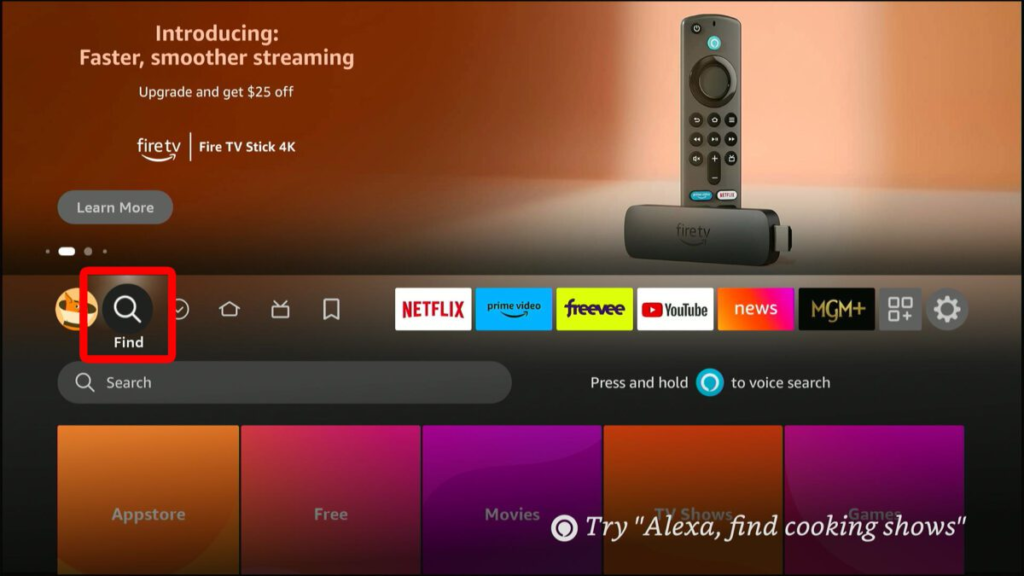
Amazon has optimized the UI to deliver:
- Faster load times
- Smoother scrolling
- Reduced lag between actions
Even older Fire TV devices feel more responsive with the new interface.
Price: Does the New Fire TV UI Cost Extra?
Good news!
The new Fire TV user interface comes at no additional cost.
- It is delivered as a software update
- Available on supported Fire TV devices
- No subscription or extra payment required
However, Fire TV device prices may vary depending on the model:
- Fire TV Stick (basic to 4K variants)
- Fire TV Cube
- Fire TV smart TVs
The UI update itself is free.
Quality & User Experience
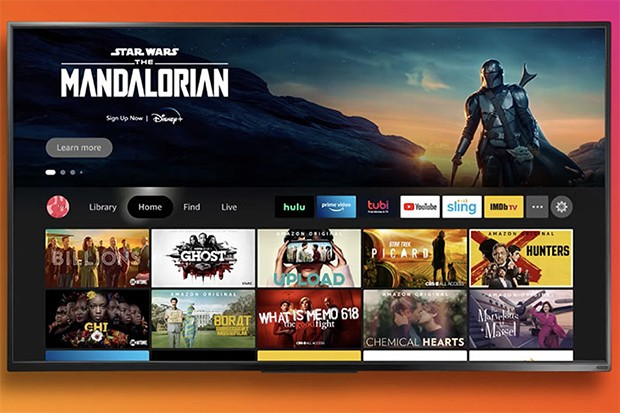
Visual Quality
- Modern design
- Better content thumbnails
- Improved readability on large screens
Overall User Experience
- Smooth transitions
- Less app-hopping
- More focus on content, not menus
Stability
- Fewer crashes
- Optimized for long viewing sessions

Best Travel Deals 2026: Save on Flights, Hotels & Holidays
Finding genuine value when planning a trip is less about hunting down fleeting internet sales…

Travel Deals Guide 2026: Affordable Trips, Flights & Hotels
Traveling does not always have to be expensive. With a little planning and some smart…

Best Travel Deals 2026: Affordable Flights, Hotels & Vacations
Traveling remains one of the most fulfilling ways to disconnect from daily routines, explore new…

Maa Vaishno Devi Yatra 2026: Best Travel Deals & Complete Guide
A visit to Maa Vaishno Devi is a special journey for millions of devotees. Located…

Best Kitchen & Dining Products 2026: Affordable Deals & Tips
The kitchen functions as the operational core of any home. It is the space where…

Khatu Shyam Ji Darshan 2026: How to Plan Your Temple Visit
Located in the town of Khatu within the Sikar district of Rajasthan, the Khatu Shyam…
Pros & Cons
Pros
✔ Faster content access
✔ Smart recommendations
✔ Clean and modern design
✔ Free software update
✔ Strong Alexa integration
Cons
✖ Ads and promoted content still present
✖ Some features limited to newer devices
Final Verdict
Amazon’s new Fire TV user interface is a major upgrade that focuses on what users want most—speed and simplicity. With smarter recommendations, faster navigation, and a cleaner design, it makes streaming more enjoyable and hassle-free.
If you already own a Fire TV device, this update enhances your experience without any extra cost. And if you’re planning to buy one, the new UI makes Fire TV an even stronger choice in the streaming market.
#AmazonFireTV #FireTVUpdate #AmazonFireTVUI #FireTVNewInterface #AmazonStreaming #StreamingTV #SmartTVExperience #OTTPlatforms #BingeWatch #DigitalEntertainment #TechUpdates #SmartTVTech #Carrerbook #Anslation